Collaborative Scoring for Group Decisions
Give any group a structured way to evaluate options, and reach confident, defensible decisions.
✓ Free to use · ✓ Share a link · ✓ No login required
Engage clients exactly when it matters.
Clear signals. Faster wins.
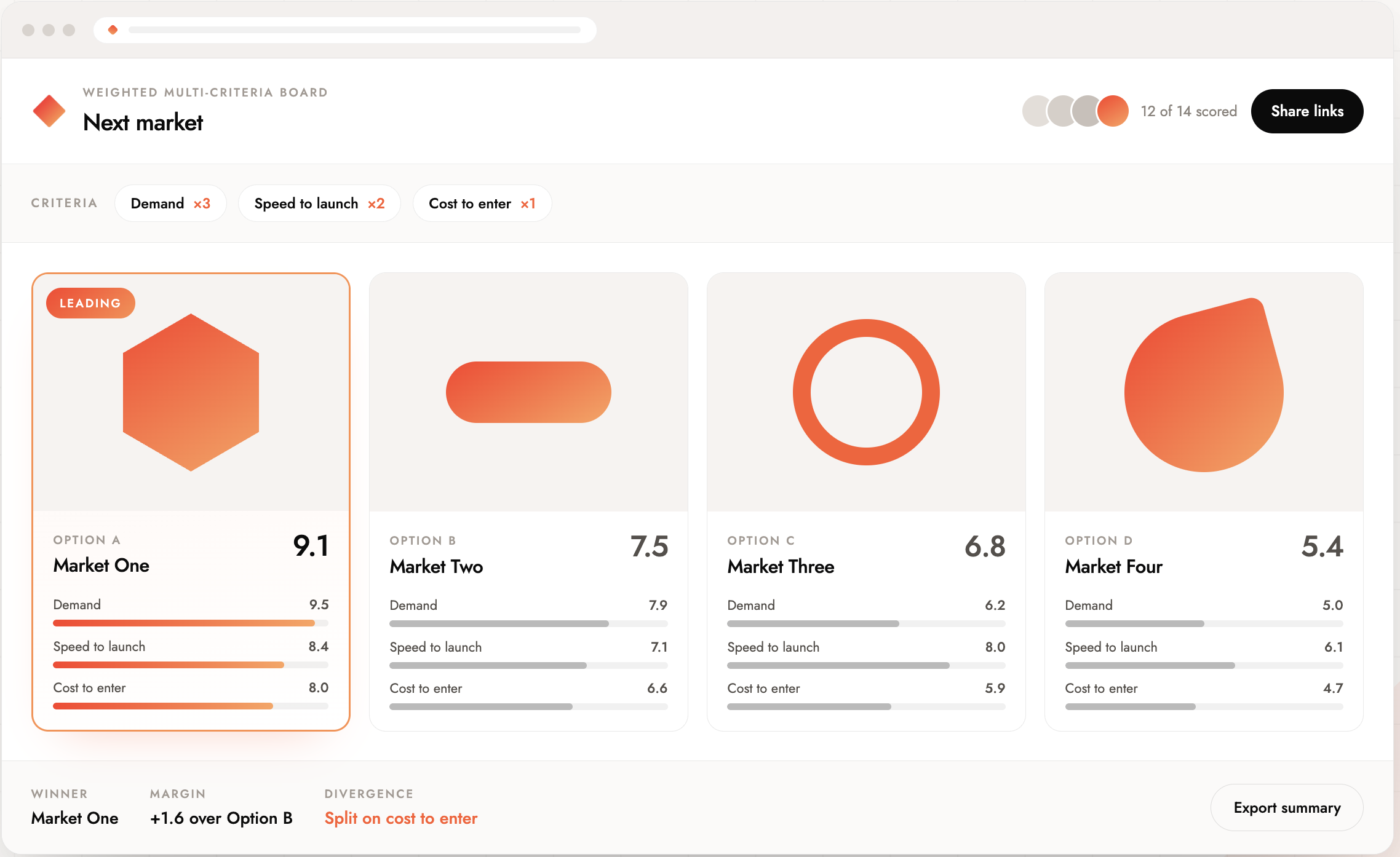
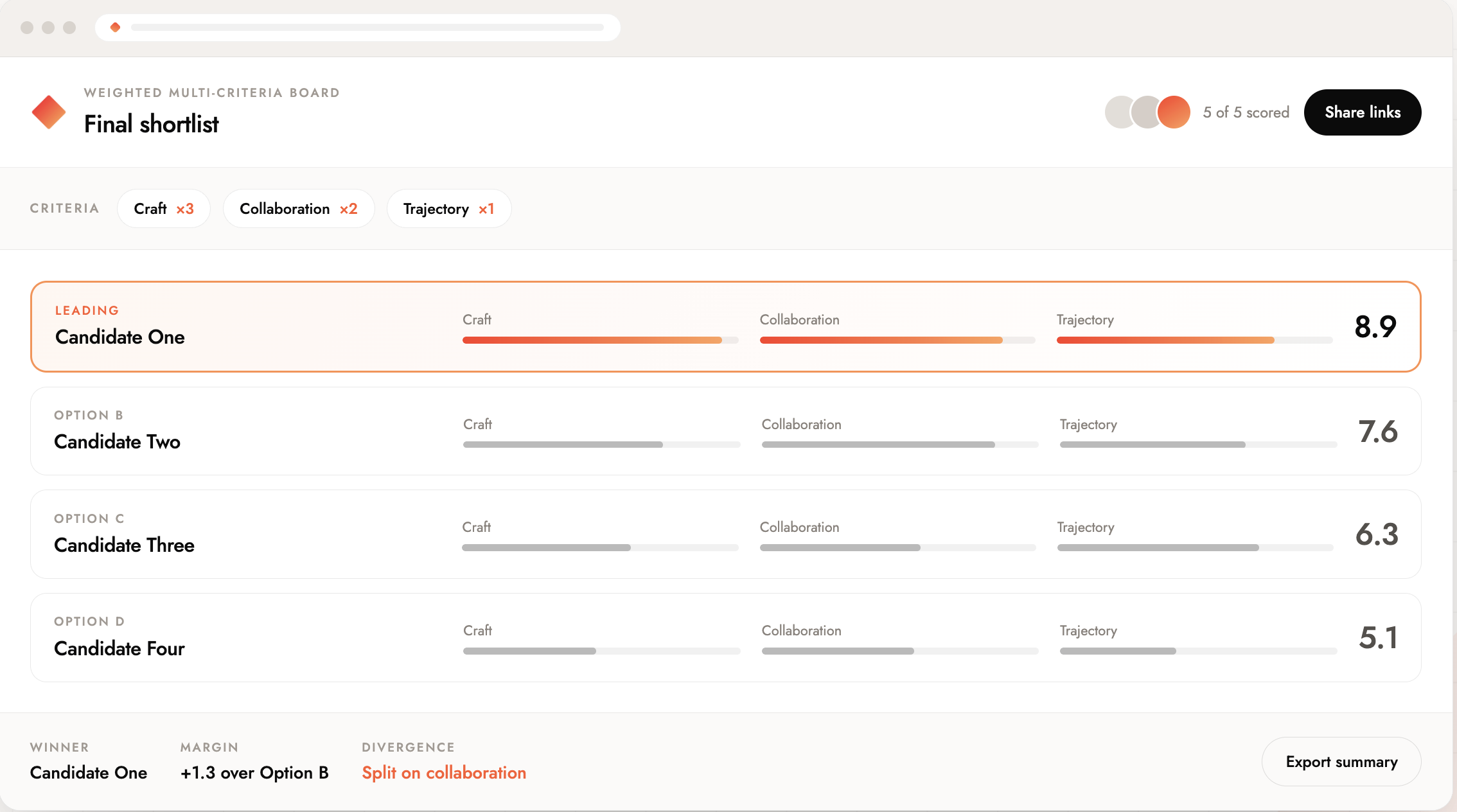
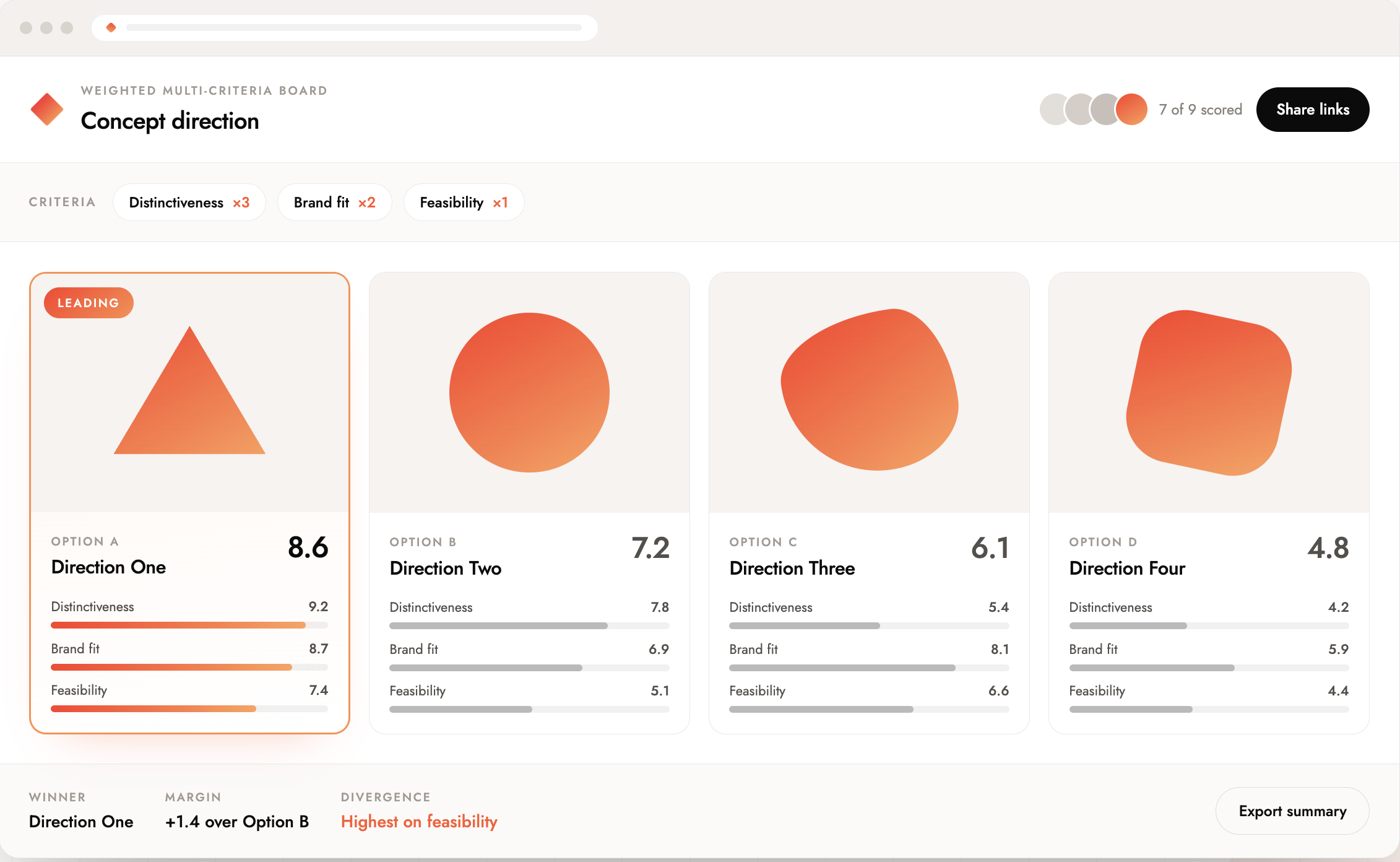
Add your options
List whatever your group needs to evaluate.
Define your scoring
Simple scoring, weighted criteria, or pairwise.
Share a link
Everyone gets a link. No login, no friction.
See the results
Understand every response and where the group aligned.
Everything you need to
make confident group decisions
ReactionLayer is designed around one idea — make it easier for buyers to signal preferences & friction so you can win more business, faster.
Multi-criteria scoring
Evaluate options against multiple dimensions at once — not just “which do you prefer” but “which scores highest on fit, feasibility, and impact.”
Weighted ranking
Not all criteria are equal. Assign weights that reflect what actually matters to your group — and let the scoring reflect those priorities automatically.
Rich embeds
Add context directly to any option — embed a video, an image, a document, or a Calendly link. Give participants everything they need to evaluate confidently.
Personal links per recipient
Each participant gets their own unique link. You see who responded, when, and how — and you can follow up with anyone who hasn't weighed in.
Independent evaluation
Every participant scores on their own, without seeing others' responses first. No anchoring, no groupthink, no loudest voice winning by default.
Mobile-first experience
Scoring should happen when it's convenient, not just when someone is at a desk. Reaction Layer works beautifully on any device.
Your next decision doesn't need another meeting.
Set up a scoring board in minutes. Share a link. Let the group evaluate. Walk into your next discussion already knowing where everyone stands.
Start a Decision — It's FreeQuestions, answered
Do participants need to create an account?+
No. They click the link, score the options, and they're done. No signup, no download, no friction.
How many participants can join a decision?+
As many as you need. Invite your whole team, a small panel, or a single client — the scoring works the same regardless of group size.
Can I weight certain criteria more than others?+
Yes. You control how much each criterion contributes to the final score. Reaction Layer calculates the weighted result automatically.
What scoring mechanisms are available?+
Simple scoring, weighted criteria, pairwise comparison, and voting. You choose the method that fits the decision you're making.
Can I add context to each option?+
Yes. Embed images, videos, documents, or links alongside any option so participants have everything they need to evaluate confidently.
Who can see the results?+
Only you — the decision creator. Participants see a confirmation that their response was recorded, but not how others scored.
Can I use this for client-facing decisions?+
Absolutely. Many agencies and consultants use Reaction Layer as a client engagement tool — sharing scoring boards instead of static presentations.
Is it really free?+
Yes, free to start. Create a board, invite participants, and see results at no cost.